Every app leaves
something behind.
Caches, logs, support files, saved states - the clutter your apps forget to clean up. Nix finds every byte, shows you exactly what it is, and removes only what you choose.
brew install --cask ixn-tech/tap/nix-uninstallerReal recording, not a mockup: Discord and its leftovers, 1.1 GB, examined and moved to the Trash.
The hidden footprint
The size in Finder is only half the story.
When you install an app, macOS reports the bundle size - the icon you dragged to Applications. But the app keeps writing: derived data, device support, render caches, logs, saved states. None of it shows up next to the app, and almost none of it is removed when you delete it.
Nix measures the whole footprint, app by app, so the number you see is the number that's actually on your disk.
Prefer to do it by hand? Our step-by-step guide shows how to completely uninstall apps on Mac - every Library folder to check, and what to do when an app won't delete.
What Nix does
A cleaner that respects your judgement.
No one-click "optimize." No scare tactics. Nix shows you what's there, in plain terms, and lets you decide.
Finds leftovers automatically
Open Nix and it quietly scans your whole library in seconds - no buttons to hunt for. Results fill in live as each app resolves.
List or cards, your call
Scan a dense list when you want speed, or switch to a calm card grid that sells each app's footprint at a glance. One tap between them.
Examine every byte before it goes
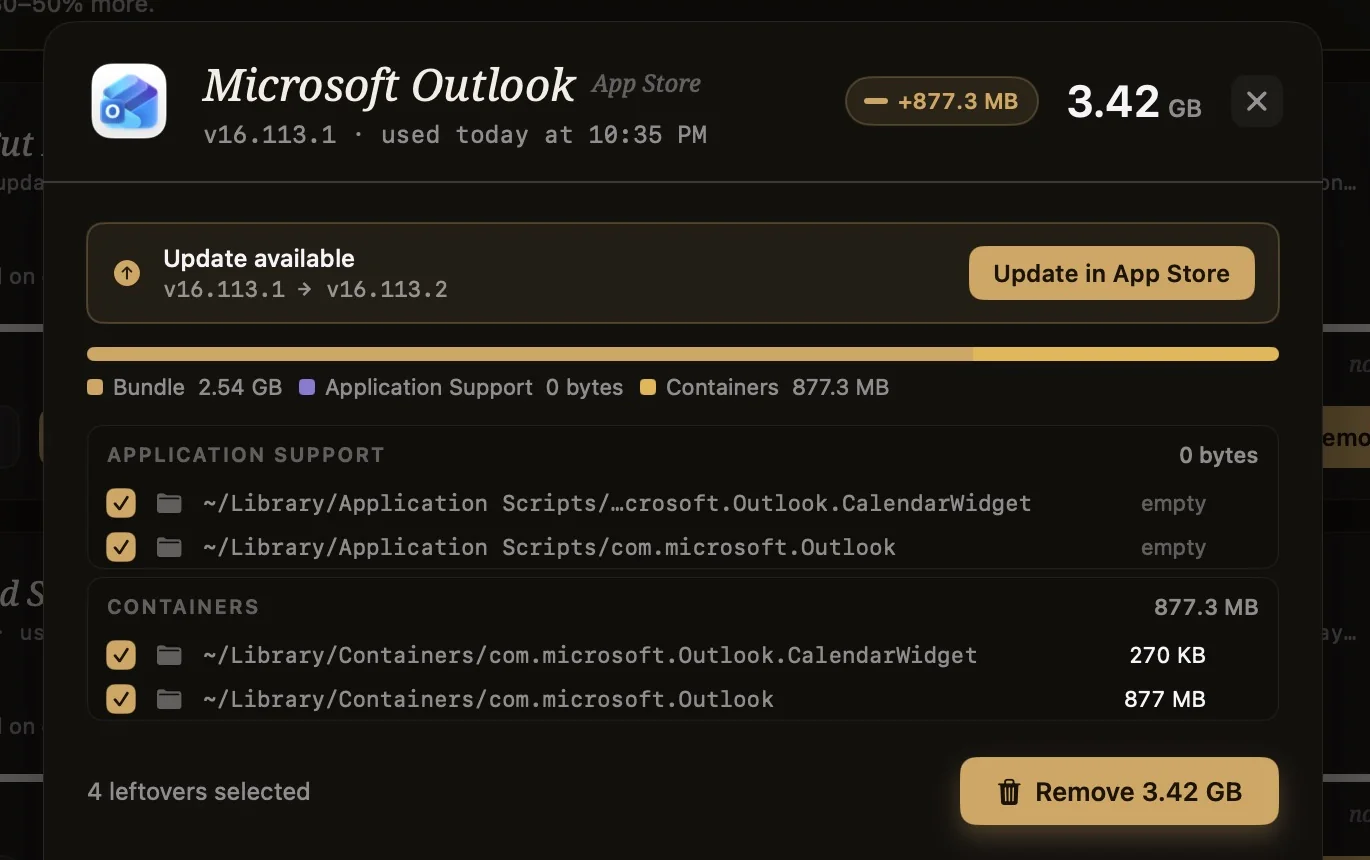
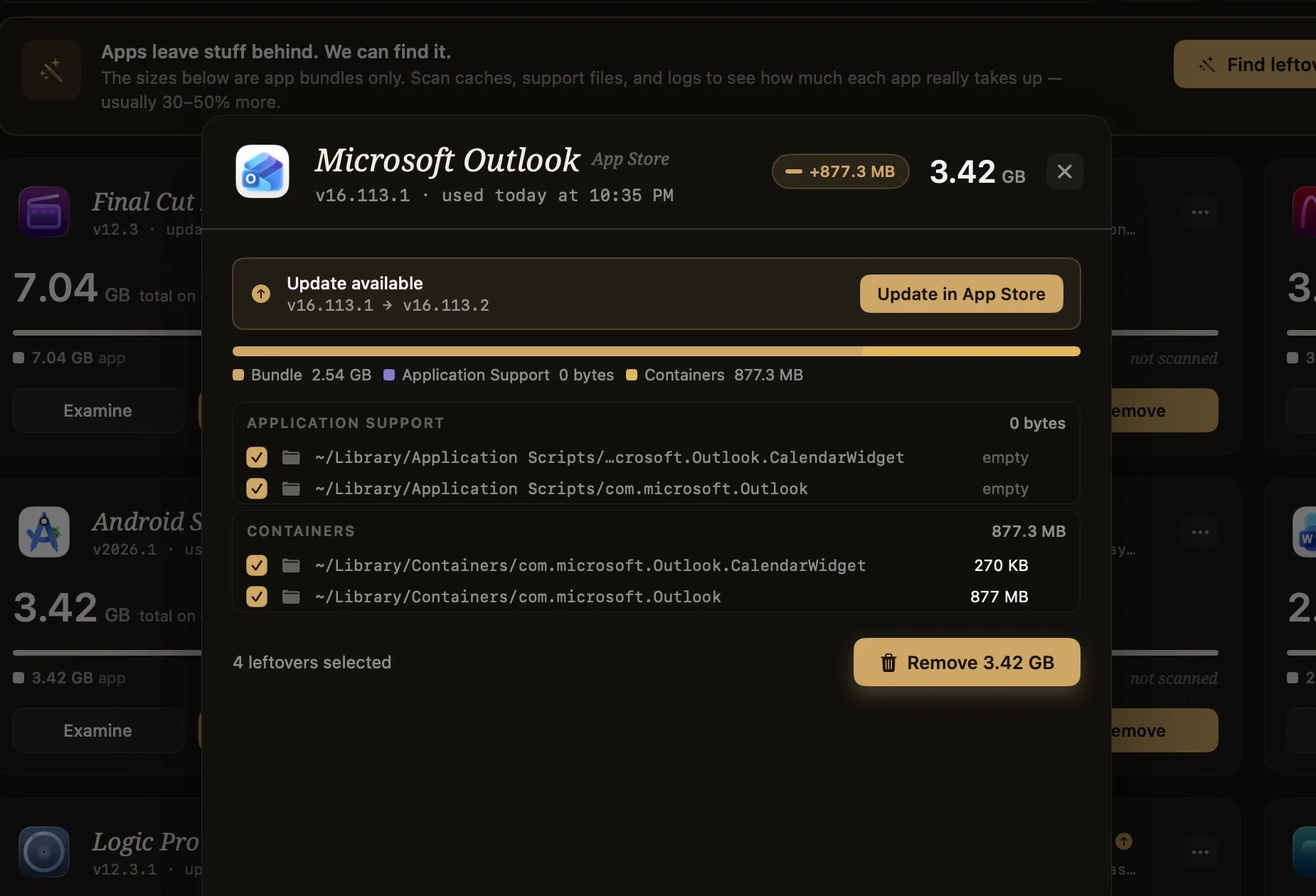
Open any app to see its files grouped by kind - Application Support, Caches, Logs, Saved State - each with a real path and size. Check exactly what you want gone. Nothing is removed without your say-so, and your files never leave your Mac.
Honest by design
Apps that are already tidy say so. Buttons disable instead of nagging. No notifications, no upsells, no "your Mac is at risk." Just the truth about your disk.
Entirely on-device
Every scan runs locally. No account needed. Nix never sees your files content - neither do we. #
A look inside
Real screens from a real Mac, not mockups.
Captured on a MacBook with 104 apps installed. Every number you see here is what Nix actually found.
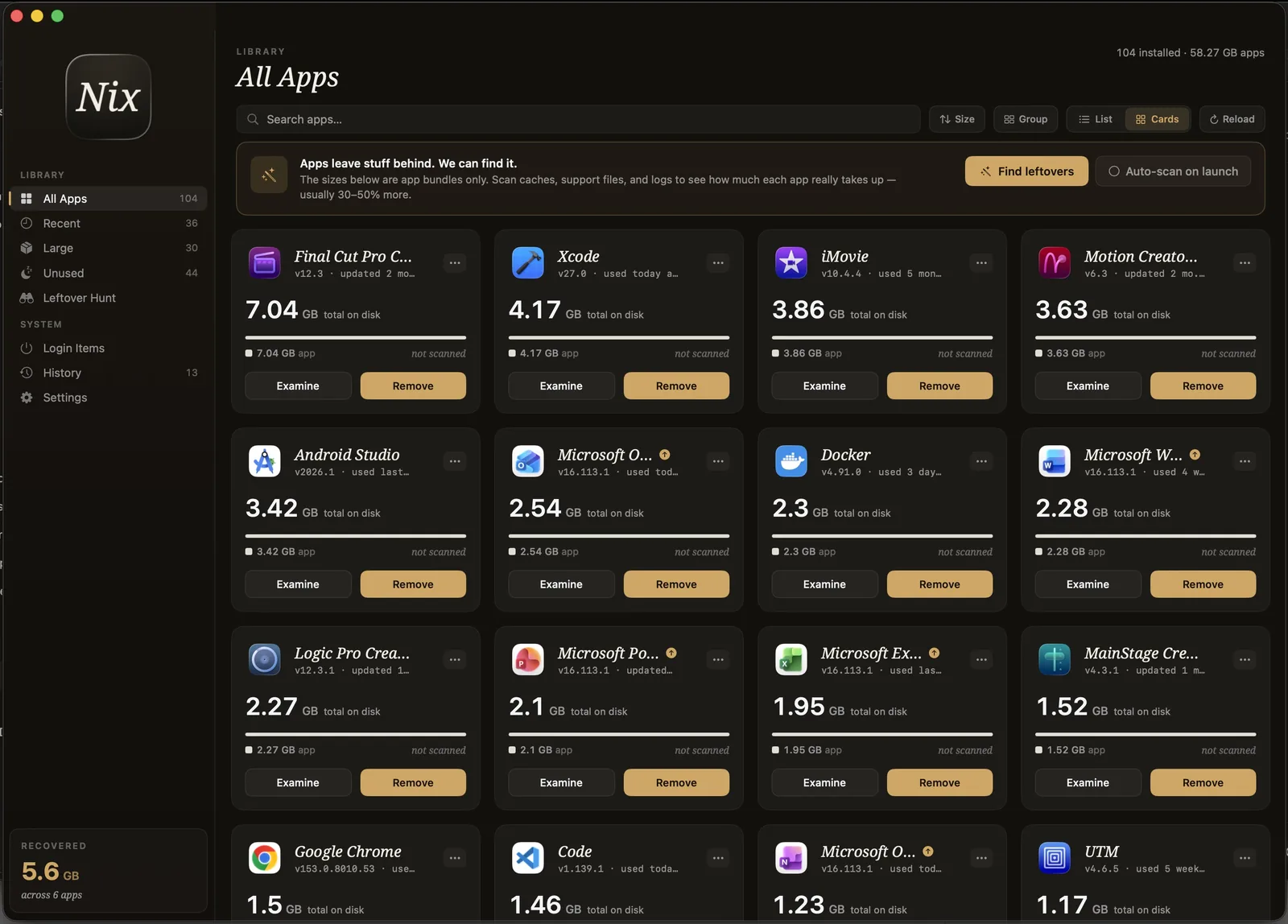
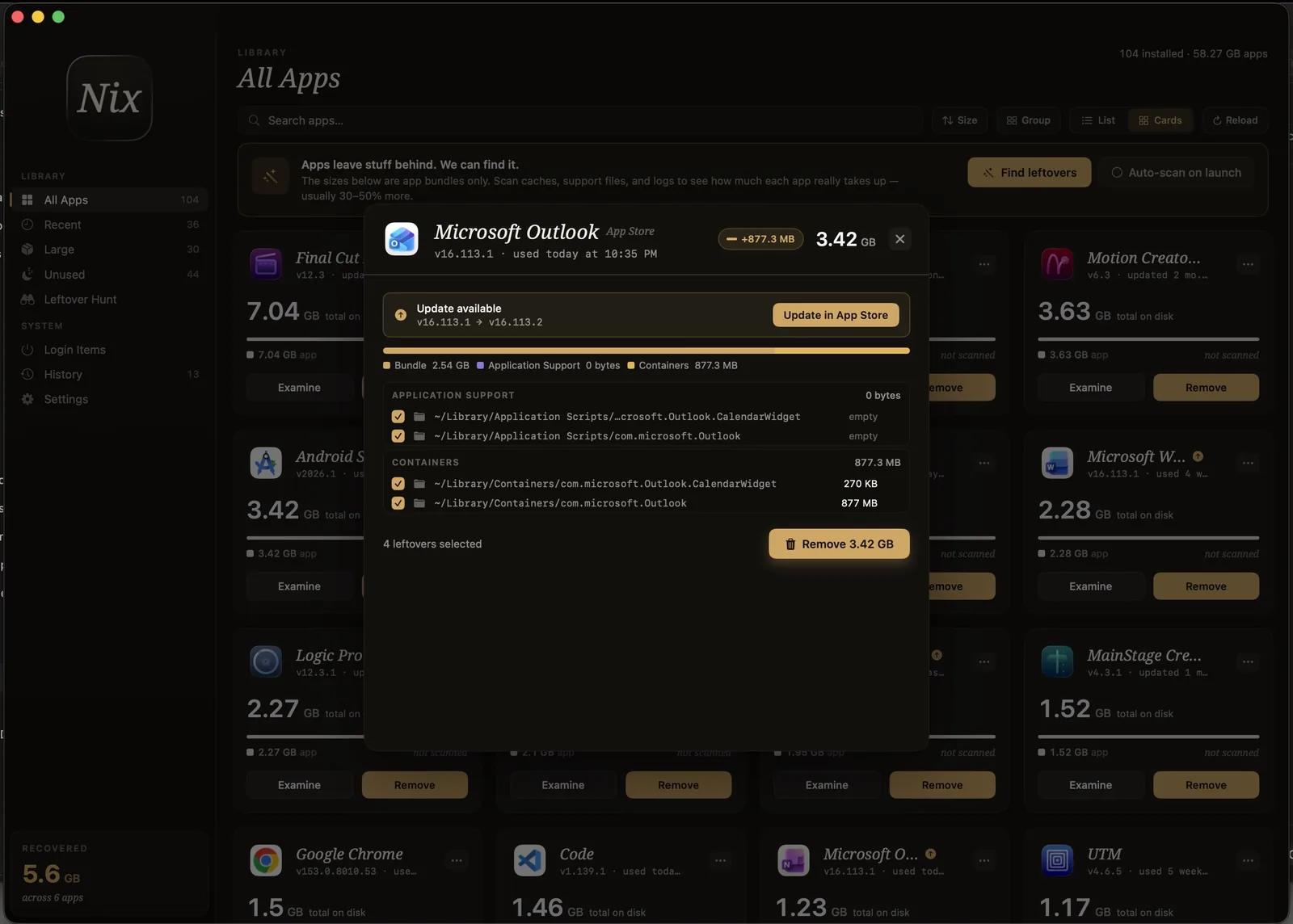
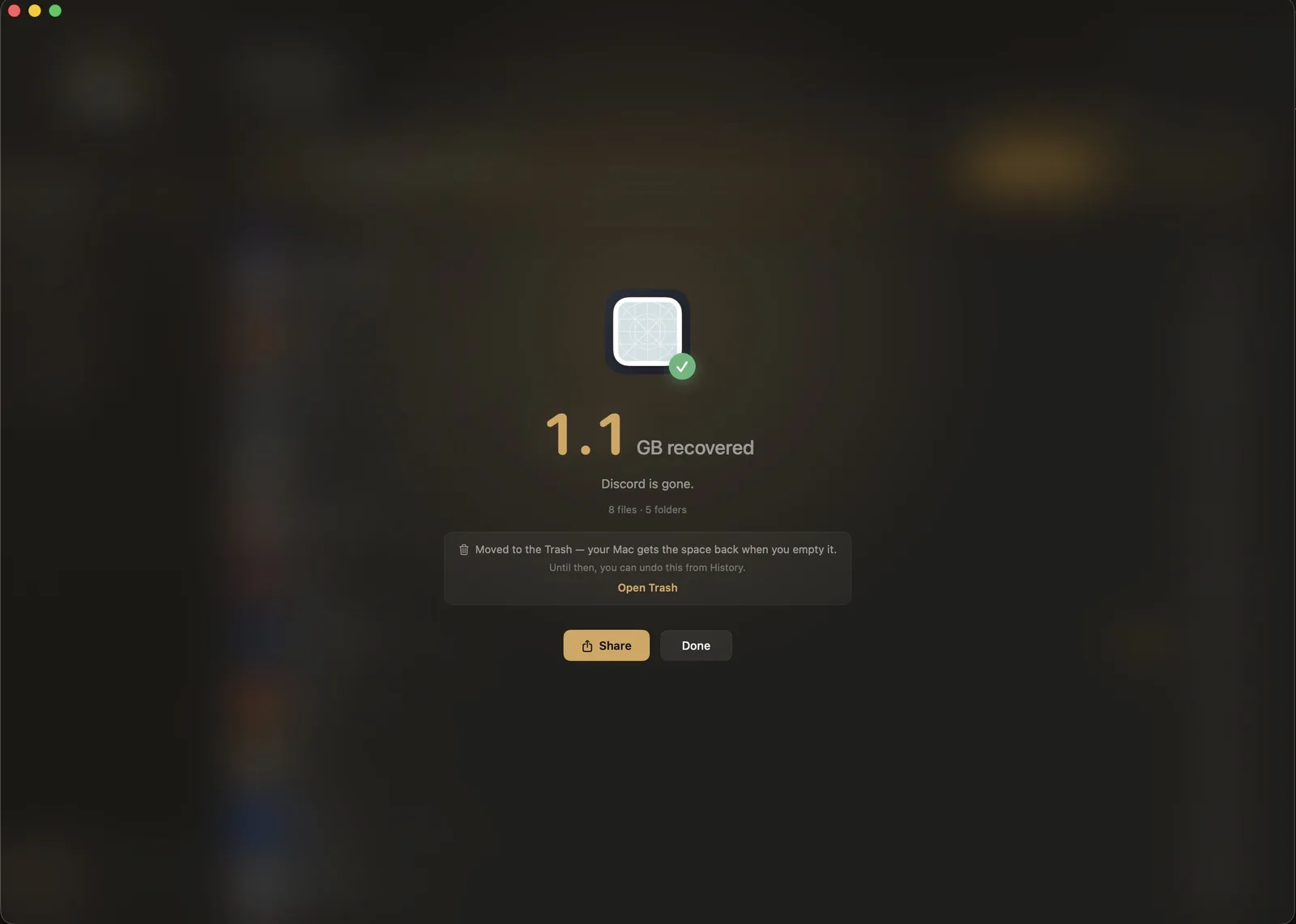
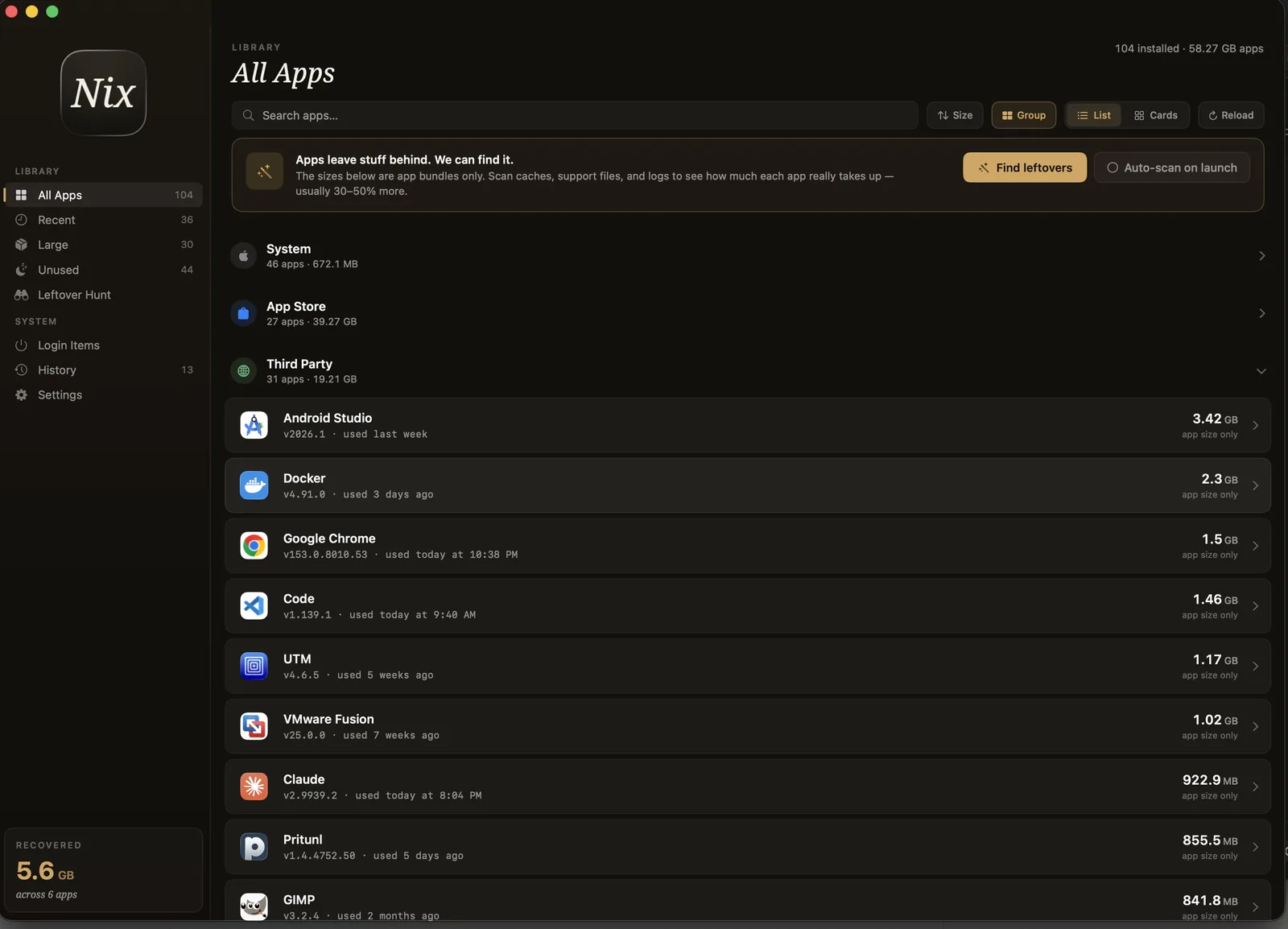
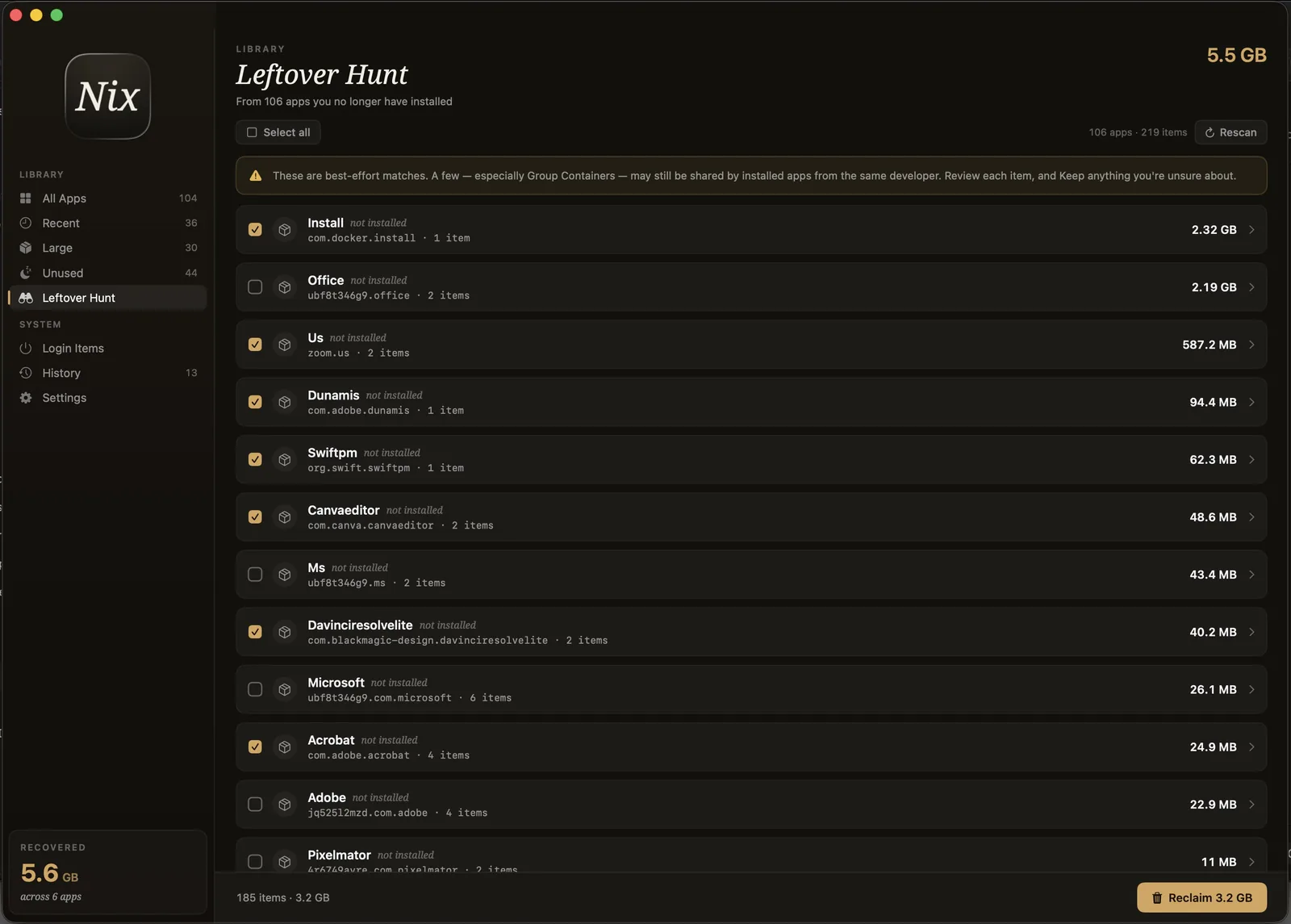
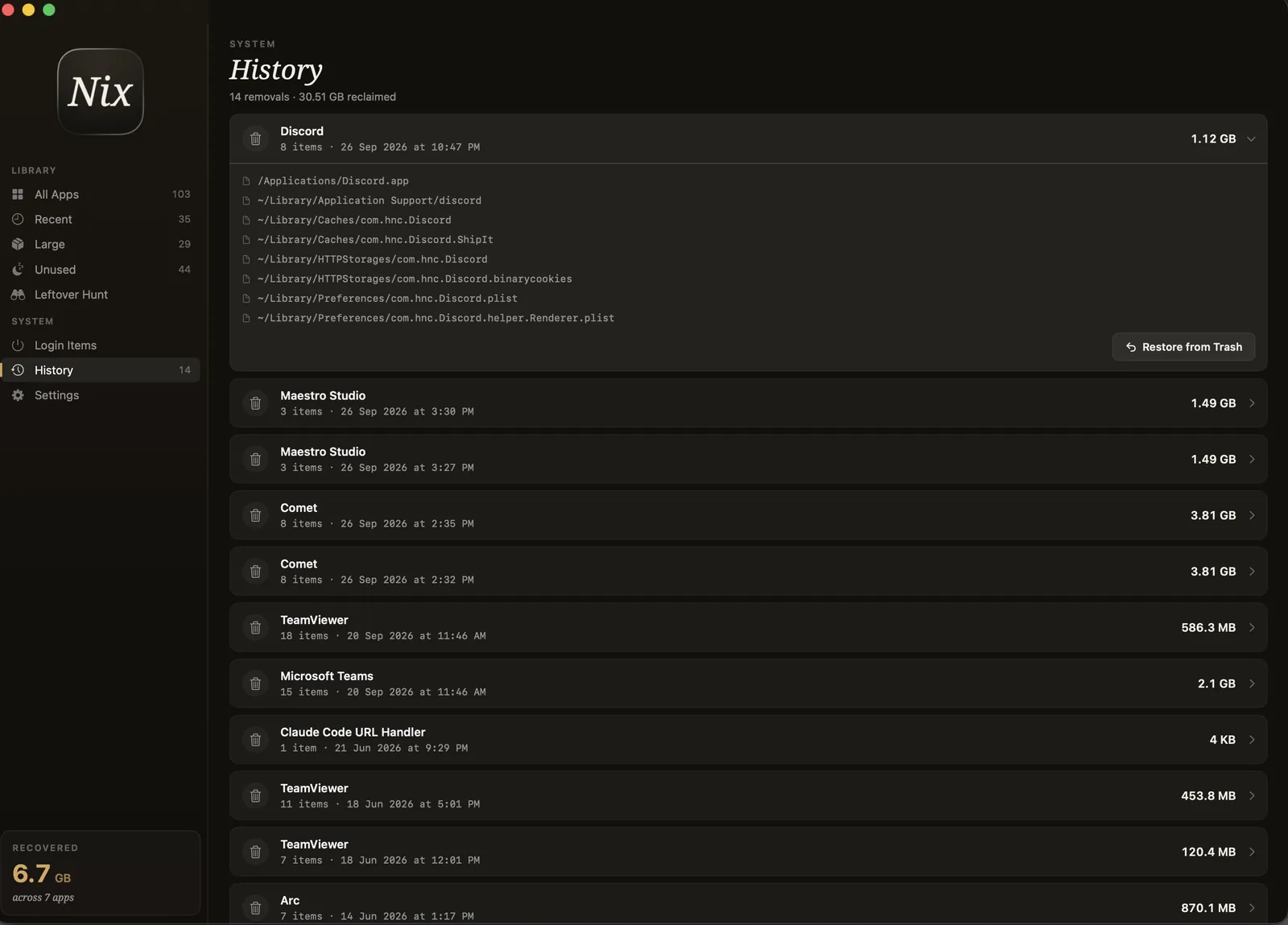
The full tour in 1 min 40 s, no sound: library, Examine, removal, History and restore, Leftover Hunt, and Login Items.
The Examine view
Surgical, never destructive.
Cleaners that hide what they delete are how people lose work. Nix does the opposite - it lays every file on the table first.
Pricing
Buy it once. Keep it forever.
No subscription for a utility you open once a month. One license, every future update for this major version, on all your Macs *.
- Full scan & every app’s size
- List & card views
- See each app’s leftover total
- Remove up to 2 GB free
- Everything in Free
- See every file & exact path
- Unlimited removal
- Auto-scan on launch & menu bar
- Use on all your Macs *
Examine your Mac
in under ten seconds.
Download Nix free and see what your apps have really been keeping.
brew install --cask ixn-tech/tap/nix-uninstallerAlso from us
OneClick QuitAll - close every open app on your Mac in one click. The perfect first step before you uninstall.